


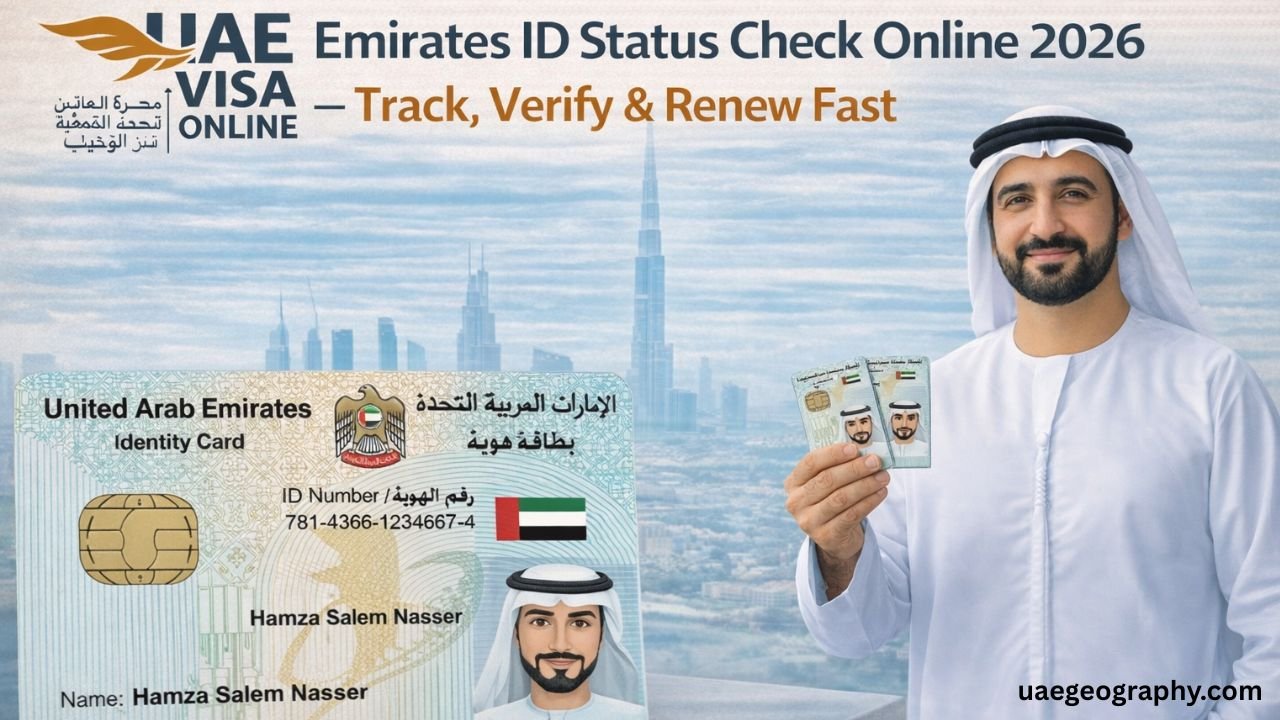
Have you experienced this scenario? You’ve completed your Track Your Emirates ID application, did the biometric registration, and Nothing happens with your application. Why are you waiting so long? Why does nothing happen with my application? This situation is quite frustrating not only for newcomers, but also for those who are experienced in living in the UAE and familiar with UAE procedures. Fortunately, here is some good news for you – it is very easy to track your Emirates ID status in the UAE!
All you need to do is know all the official ways of Emirates ID status tracking and to understand what each of the statuses means and how you should act in case of any issues. Read the whole article and you will find all the answers to your questions!
Read Also: Lulu Arabian Center UAE
What is an Emirates ID, and Why Should You Track Your Emirates ID Status?
Brief Information about Emirates ID in the UAE An
Emirates ID card is not just any common card. This is the identification of each person, issued by the Federal Authority for Identity, Citizenship, Customs and Ports Security (ICP). Moreover, an Emirates ID is a government-issued document that confirms your authorization and identification in the UAE.
Your Emirates ID is needed:
- By all citizens of the UAE and their dependents;
- By expats with a valid residency visa;
- By citizens of GCC countries (except for Bahrain) with a valid residency visa.
It is impossible to use your services without your Emirates ID. Therefore, the Emirates ID is a vital document for all expats in the UAE! Your Emirates ID card contains the information about you, your biometric data and QR code, which is used to confirm whether you are authorized to stay in the UAE or not. Currently, there are more than 10 million Emirates ID cards in the UAE and ICP receives thousands of applications per day.
Situations When You Should Track Your Emirates ID Status
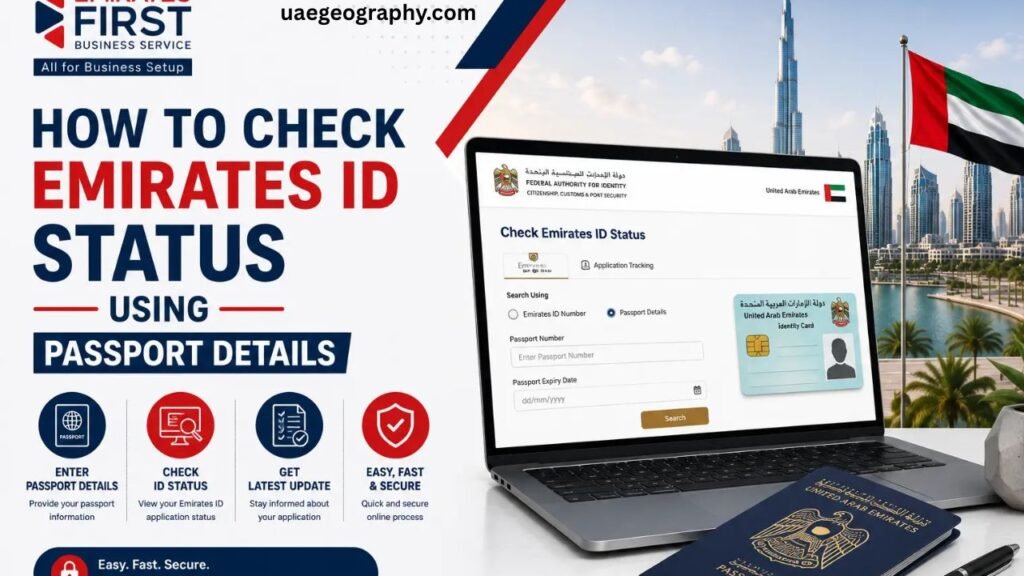
There are some situations when you may want to track your Emirates ID status:
- After you’ve had your visa stamping and biometric registration as a newcomer to the UAE;
- If you’ve applied for the renewal of your Emirates ID some weeks ago;
- If you’ve requested the replacement of your Emirates ID, as it was lost or damaged;
- Tracking of your Emirates ID application after the update of your personal information (address, name, etc.);
- If you want to track the Emirates ID status of your family member.
Learn how to track your Emirates ID!
How Can You Track Your Emirates ID Status in the UAE – All the Official Ways
There are 5 ways to track your Emirates ID status in the UAE. These are the official ways and you are allowed to choose any of them.
Let’s consider each of them in detail.
Method 1 – How to Track Your Emirates ID on the ICP Smart Services Website
This is the easiest way to track your Emirates ID status in real time.
You should do the following steps:
- Open your web browser and go to the official website of ICP at icp.gov.ae;
- Click on the “Smart Services”;
- Click “Individual Services”;
- Then, you should find “Emirates ID Status” or “Application Status Inquiry”;
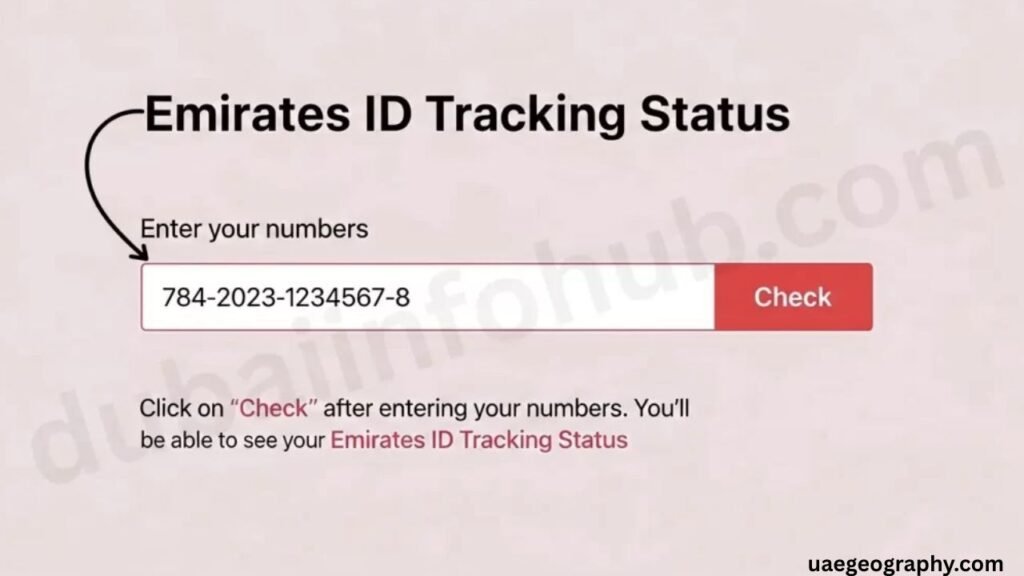
- Enter your Application Number (you can find it on your receipt) or your Emirates ID Number;
- Enter your date of birth and pass the captcha test;
- Click “Search” or “Enquire”.
- Then, you will see the status of your Emirates ID application.
Remember to save your application reference number, as you will need it for tracking your Emirates ID status.
Pro tip: Use Google Chrome or Safari for the best browsing experience at icp.gov.ae. Some users reported problems with the display of the website in outdated browsers.
Method 2 – Track Your Emirates ID Status Using the ICP UAE Smart App
You can track the status of your Emirates ID application using the special ICP UAE Smart App.
This app is absolutely free and provides you with push notifications, so you wouldn’t have to track your status manually.
First of all, here are the steps on how to track your Emirates ID application via the ICP Smart App:
- For iOS users, you can find the app called “ICP UAE” in the Apple App Store;
- For Android, you can download ICP UAE from the Google Play Store;
Here are the steps on how to track your Emirates ID application via the ICP Smart App:
- Download the ICP Smart App;
- create a new account or log in to the app using your UAE Pass credentials;
- Click on “Track Application”;
- Enter your Application Reference Number;
- Then, click “Search,” and you will see your application status;
- Set up push notifications in order to receive notifications about status changes automatically.
Another advantage of the ICP Smart App is the possibility to integrate it with the UAE Pass. So if you already have the UAE Pass, you will be able to log in to the app and track your status instantly.
Method 3 – Track Your Emirates ID Status Via SMS
The third way to track your Emirates ID status is SMS.
How it works:
- You should send your Application Number via SMS to the ICP SMS short code;
- Then, you will receive an SMS with the current status of your application in a few minutes.
This way is convenient, fast, does not require an Internet connection and can be used anywhere, even on your basic phone.
Important note: availability of SMS tracking service and its SMS short code depends on your mobile operator (both Etisalat (e&) and du provide SMS service). Please, always check the current SMS short code on the official website of ICP or call the ICP helpline.
Method 4 – Call ICP Customer Service to Track Your Emirates ID Status
The fourth way to track your application status is to call ICP and ask about the status of your application. In case you have problems with the online tracking of your application status or you need to obtain some additional information about it.
ICP Customer Service Helpline: 600 522222
You will need to prepare the following things before the call:
- Application Number of your Emirates ID;
- Passport Number;
- Date of birth;
- Number of your Emirates ID (in case of renewal).
They will tell you about the current status of your application and may inform you about some issues (discrepancies in documents, biometric issues, etc.). You won’t be able to see all the information about your application on the online portal.
The best time for calling the ICP customer service is: early in the morning, right after the start of the line. Do not call on Mondays and days after public holidays – there will be more people who call.
In case you want to visit the ICP office personally, the AMER service centers located all over the UAE provide face-to-face assistance with the Emirates ID. You can find the nearest AMER Center on the official website of ICP.
Method 5 – How to Track Emirates ID Card Delivery via Emirates Post
After ICP has printed your Emirates ID card and delivered it to you, your card will pass through the Emirates Post. Then, you will be able to track your Emirates Post delivery as you would do that with any other package.
The steps you need to take to track your Emirates Post delivery:
- Open emiratespost.ae in your web browser;
- Click “Track & Trace” on the homepage;
- Enter the tracking number that you’ve received via SMS from Emirates Post;
- See your current delivery status and estimated date of delivery.
Emirates Post Contact: 600 599999
In case Emirates Post has not delivered your card.
- Check with the building security or neighbors;
- Reschedule the delivery using the Emirates Post app or website;
- Go to the nearest Emirates Post branch and provide your tracking reference number and a valid form of ID.
Usually, Emirates Post makes 2 attempts to deliver your card. In case there is nobody to receive it, Emirates Post leaves the notification slip with further instructions on how to get your card from the nearest Emirates Post branch.
Understanding Your Emirates ID Application Status – What Each Status Means
Now you know how to check your application status. But what does your status mean? Learn about it in this section.
| Status | What It Means |
| Application Received | ICP has successfully received your application and documents |
| Under Process | Your biometrics and documents are being verified by ICP |
| Printed | Your Emirates ID card has been physically printed |
| Ready for Delivery | The card has been handed to Emirates Post for dispatch |
| Delivered | Emirates Post has delivered the card to your registered address |
What if your status hasn’t been changed for over two weeks?
Then it is time to escalate your application either on the ICP Smart Services website in the “Contact Us” or “Complaints” section or call the ICP helpline 600 522222.
Average processing time of your Emirates ID application:
- New application: 3–10 working days after biometric registration;
- Renewal: 5–7 working days.
How Long Will It Take to Get Your Emirates ID in UAE?
The average processing time of your Emirates ID application depends on the type of your application:
processing time of new Emirates ID applications
If you’re a new expat, here is the Emirates ID application process after your biometric registration:
- Day 1–2: your application is received and entered into the ICP system;
- Day 3–5: your biometric data is verified, and documents are checked;
- Day 5–7: Emirates ID card is printed;
- Day 7–10: The Emirates ID card is dispatched via Emirates Post and delivered.
So normally, expats get their Emirates ID card in 5 working days after the completion of biometrics. Of course, it depends on the number of new applications that ICP receives.
Processing time of Emirates ID renewal
The processing time of your Emirates ID renewal application is usually shorter, especially in case there is no discrepancy in your personal data. In case of renewal via the ICP Smart App or website, you can get your card in 3–5 working days if you haven’t changed your data.
In case you need your renewed Emirates ID urgently, check the ICP website for any express processing of your application.
What can slow down the processing of your application?
Some situations can slow down the processing of your application:
- Incomplete biometric registration, in case your fingerprints weren’t taken properly during your Biometric registration;
- Discrepancy of your documents, in case there is a discrepancy between your visa data and the data that you’ve provided to ICP;
- Incorrect home address – in case your Emirates Post returned your Emirates ID due to an incorrect address;
- Peak period, like Eid, school year start, Ramadan;
- Maintenance of the ICP portal, in case of any portal maintenance.
What Should I Do If My Emirates ID Is Lost, Stolen, or Not Delivered
Report a Lost or Stolen Emirates ID in UAE
The first thing you should do in case of Emirates ID loss is report it to ICP via the ICP Smart Services portal. You just need to log in and select “Report Lost Emirates ID”.
- The second thing is filing the police report – it is a mandatory step before applying for the replacement.
- The third thing is replacing your card: just apply for a replacement card online at icp.gov.ae or in the ICP service center, pay the appropriate fee, and submit your documents.
- Then you can track your replacement application as you’ve tracked your initial application.
What Should I Do If Emirates Post Didn’t Deliver My Card?
In case your tracking says “Delivered”, but you haven’t received your card, do not panic. Just follow these steps:
- Check with the building security or neighbors, especially if you live in an apartment building, your Emirates ID can be left at reception;
- Call Emirates Post at 600 599999 with your tracking number and ask for a delivery confirmation;
- Visit the nearest Emirates Post branch and take with you your tracking reference number and a valid ID.
- In case your card was returned to ICP, then log in to the ICP website and request a re-delivery, making sure that the address on your record is correct.
The sooner you do these steps, the faster you will solve your problem. Do not wait more than 3 days after the “Delivered” status before doing that.
Pro Tips to Make Your Emirates ID Tracking Easier
Just a couple of tips that will definitely help you to avoid some troubles during the application process:
Save your Application Reference Number right after the application submission – screenshot it, write it down, store it in your notes;
- Register on the ICP Smart Services website using your email address to get the status update notifications to your email inbox;
- Get the UAE Pass if you haven’t done it yet – the UAE Pass will connect all your government service accounts and will make your logins to the ICP App effortless;
- Use the same registered mobile number throughout the application process – all SMS alerts and Emirates Post deliveries will be sent to this number;
- Double-check your home address before application – even the smallest discrepancy in the address can lead to the fact that your card being returned undelivered;
- Put a renewal reminder 30 days before your Emirates ID expiration date – this will protect you from any fines and service interruptions.
Emirates ID for Expats – What New Residents Need to Know
When Does the Emirates ID Process Begin for New Expats
If you have just arrived in the UAE, your Emirates ID process begins after:
- You have your entry permit/residency visa stamped;
- You’ve made your biometric registration – taking your fingerprints and photo – in the registered typing center or AMER service center.
The process of Emirates ID application usually begins from your sponsor, in case of your employment or sponsorship, or from your spouse if you’re married.
Can I Track My Emirates ID for a Family Member
Yes, of course. If you’re a sponsor and want to track the Emirates ID status of your spouse, children or domestic workers, you can use their Application Reference Number and track their Emirates ID status using the official ICP website or app.
Moreover, the ICP Smart Services platform allows you to track via Family File Number. This way is convenient if you have several dependents who apply for their Emirates IDs simultaneously.
Frequently Asked Questions
How can I check my Emirates ID status online in UAE?
Open the icp.gov.ae website, move to “Smart Services” and click “Application Status Inquiry”. Enter your application number and date of birth and click “Search” – your current Emirates ID status will be shown to you – no login is required for basic status checks.
How long does the Emirates ID take to arrive after biometrics?
In most cases, you can expect Emirates ID delivery in 3 to 10 working days after your biometric registration. Renewals are usually processed faster. Also, you’ll get an SMS notification as soon as your card is printed and dispatched.
What is the ICP customer service number to track the Emirates ID?
The official ICP helpline number is 600 522222. Before calling, make sure to have your application number, Emirates ID number, passport number, and date of birth – it will help you to avoid any unnecessary wasting of time.
Can I track my Emirates ID on the ICP UAE app?
Yes, you can do it. First of all, you need to download the ICP UAE app from the App Store or Google Play. Then, log in using your UAE Pass credentials and click “Track Application” – you will get your Emirates ID status instantly.
What should I do if my Emirates ID shows “Delivered” but I haven’t received it?
Check with your building security or neighbors. Then, contact Emirates Post at 600 599999 with your tracking number and ask about delivery details. In case you still can not find your Emirates ID, visit the nearest Emirates Post branch or file your complaint with the ICP via icp.gov.ae.
Conclusion
Your Emirates ID cannot be lost. Whether you’re applying for the first time, renewing before your expiration date, or following up on a replacement, you now have all the resources you need to remain on top of your application.
To conclude, these are your five tracking strategies:
- Use the ICP Smart Services website at icp.gov.ae to quickly check status online.
- Push notifications and real-time updates on your phone with the ICP UAE Smart App.
- A quick approach to check your status without using the internet is through SMS tracking.
- To have a direct conversation with a customer service agent, call the ICP Helpline at 600 522222.
- Use Emirates Post Tracking to follow the delivery of your card to your door.
Readers Must Love To Read This: Mafraq Mall Abu Dhabi



EVG Fine Check UAE 2026
June 24, 2026[…] Reader Must Love to Read This: How to Track Your Emirates ID in UAE […]
RTA Customer Happiness Center Umm Ramool Dubai
June 24, 2026[…] Read Also: How to Track Your Emirates ID in UAE […]